Open the LeaguesX desk — bookmark, shortcut or browser tab.
LeaguesX is a web-first editorial desk. There is no native install required to read the coverage; this page covers the three ways a reader can reach the desk on Android, iOS and desktop.

On Android — Chrome or any modern browser.
Type the LeaguesX URL into the address bar and tap the three-dot menu. Choose 'Add to Home screen' to pin the desk as a web app shortcut. The shortcut opens the desk full-screen without the browser chrome and preserves the live fixture ticker. The desk does not require an APK install to read the coverage.
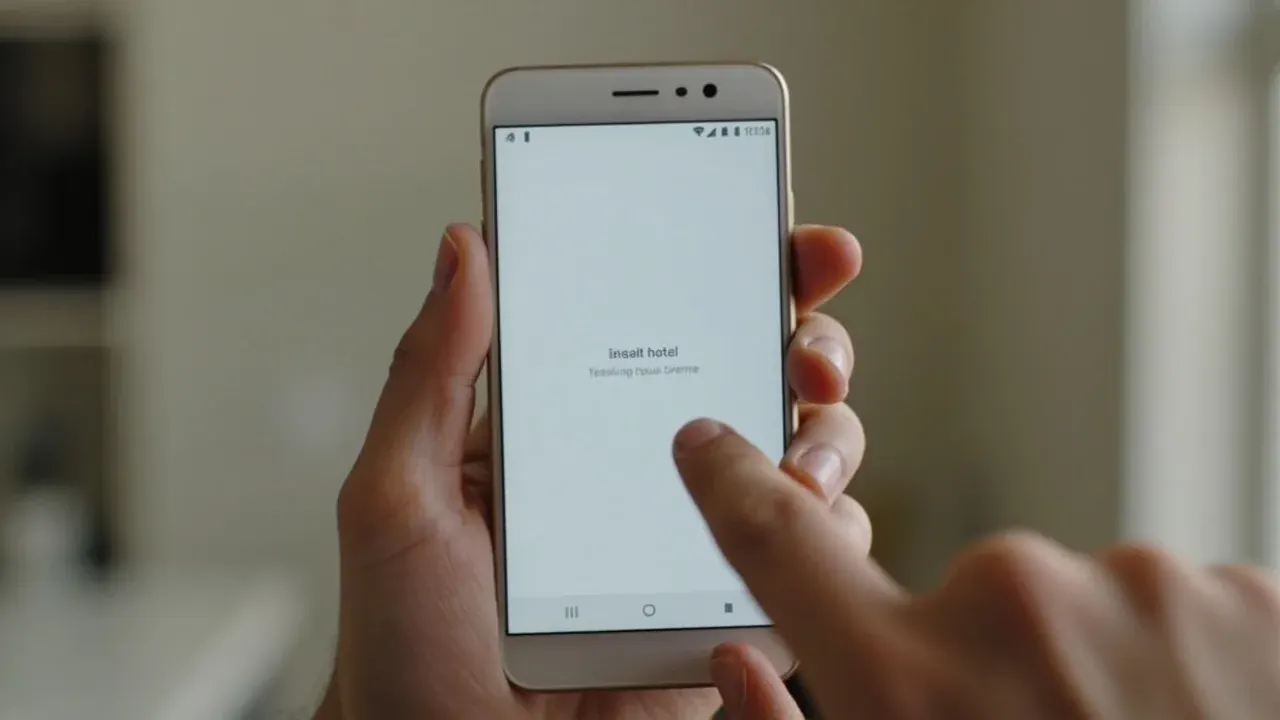
Type the LeaguesX URL into the address bar and tap the three-dot menu. Choose 'Add to Home screen' to pin the desk as a web app shortcut. The shortcut opens the desk full-screen without the browser chrome and preserves the live fixture ticker. The desk does not require an APK install to read the coverage.
On iOS — Safari or any modern browser.
In Safari, tap the share icon and choose 'Add to Home Screen'. The desk installs as a Safari web app and opens full-screen with the same drawer and footer layout. The desk does not appear in the App Store; the home-screen shortcut is the canonical install path for iOS readers.
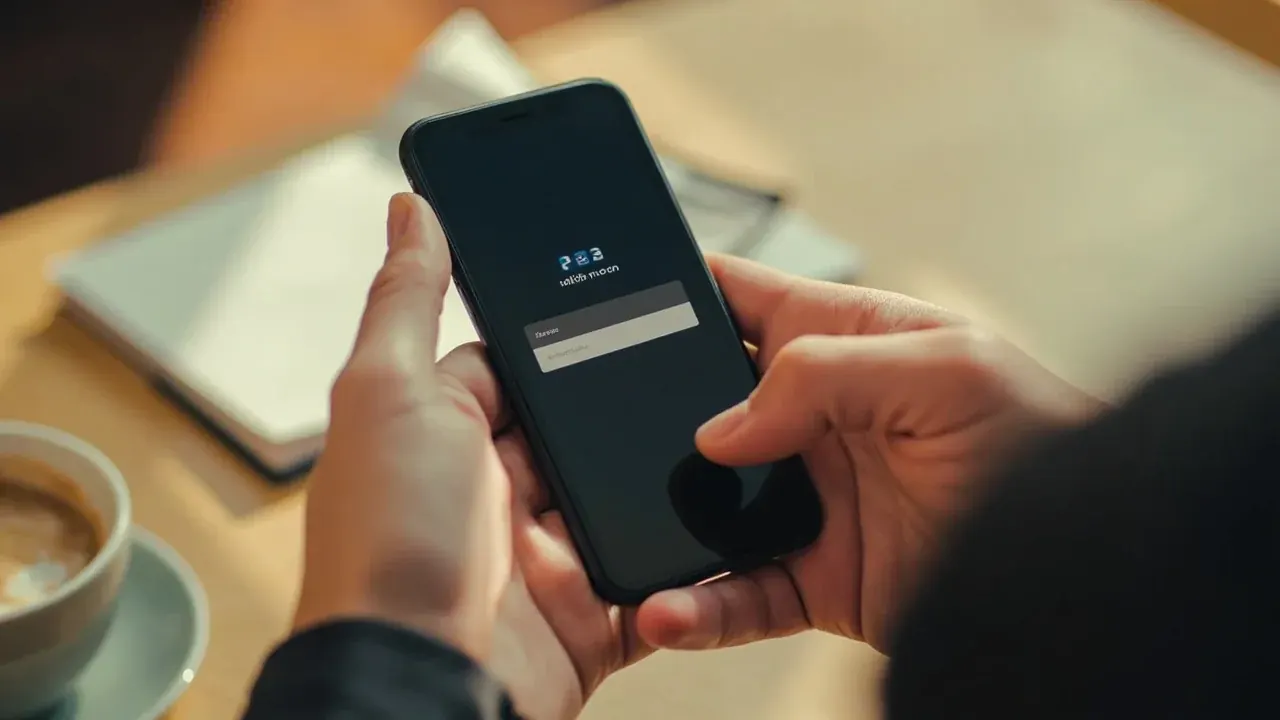
In Safari, tap the share icon and choose 'Add to Home Screen'. The desk installs as a Safari web app and opens full-screen with the same drawer and footer layout. The desk does not appear in the App Store; the home-screen shortcut is the canonical install path for iOS readers.
On desktop — bookmark or pinned tab.
On a desktop browser, the reader can bookmark the homepage or pin the tab. The desk reads cleanly at any width above 1024 px and the reading surface tightens gracefully between 768 px and 1024 px. There is no desktop install required and the desk never asks for an .exe or .dmg.

On a desktop browser, the reader can bookmark the homepage or pin the tab. The desk reads cleanly at any width above 1024 px and the reading surface tightens gracefully between 768 px and 1024 px. There is no desktop install required and the desk never asks for an .exe or .dmg.
If the install path looks unusual.
The desk never bundles a third-party installer, a system extension or a browser plugin. If a download prompt asks for any of those, leave the page and reopen the desk from the URL in the address bar. The desk's reading surface does not require system-level access.
The desk never bundles a third-party installer, a system extension or a browser plugin. If a download prompt asks for any of those, leave the page and reopen the desk from the URL in the address bar. The desk's reading surface does not require system-level access.
Common questions about the download hub.
A short FAQ for the questions the desk hears most often about this hub.
Where is the LeaguesX app on the Play Store?
LeaguesX is not published as a native app on the Play Store. The desk is delivered as a responsive web desk that a reader can pin to the home screen.
Do I need to install anything to read the desk?
No. The desk reads in any modern browser without an install. The home-screen shortcut is optional.
Will the desk work on a tablet?
Yes. The desk adapts to tablet widths between 768 px and 1024 px and ships the same chapter list as the desktop surface.
Does the desk support offline reading?
Not at the moment. The desk depends on the live ticker and the corrections register being current, so offline reading is not a supported path.
Can I unpin the shortcut later?
Yes. Long-press the shortcut on Android or tap the X on iOS to remove it. Removing the shortcut does not affect the reader's account or reading history.
Open the LeaguesX reading desk on your device.
Bookmark, home-screen shortcut or pinned tab — the desk reads the same on Android, iOS and desktop browsers.