Sign in to LeaguesX and pick up tonight's captain ledger.
A short, plain-language walk-through of how to log in to the LeaguesX account access desk, what the sign-in screen actually asks for, and how to recover a password without losing your reading history.
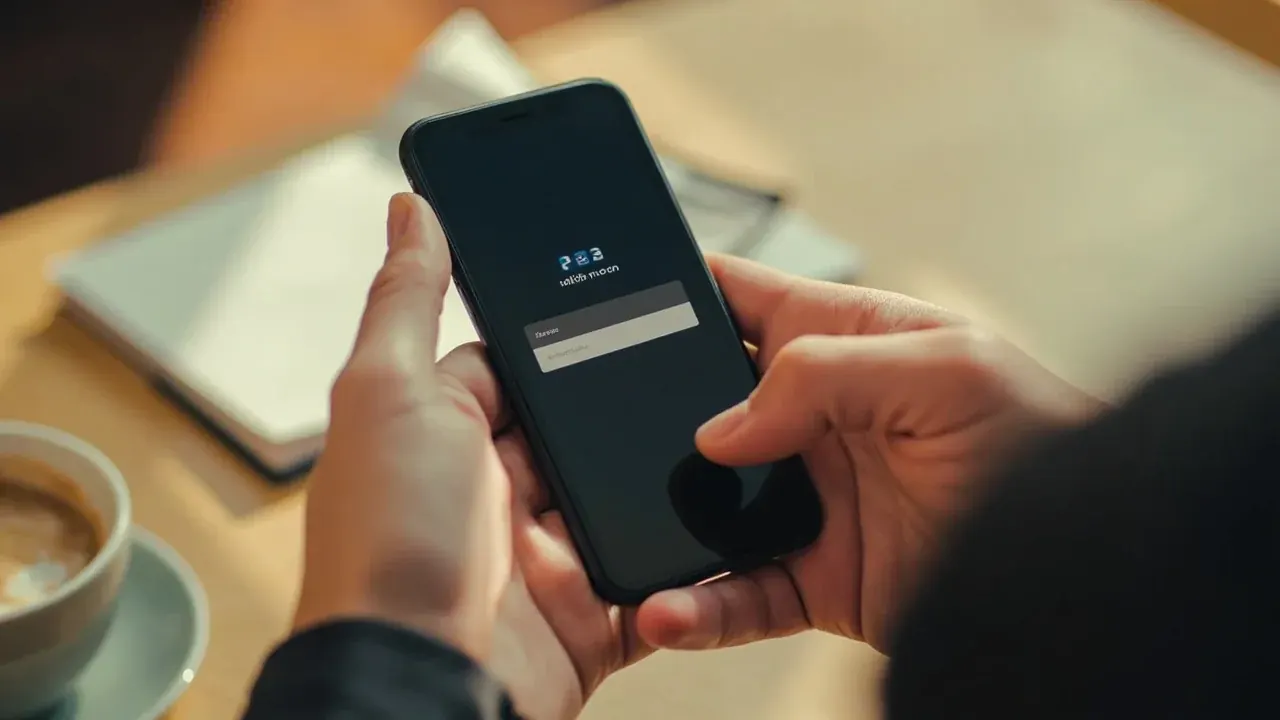
What the login screen asks for.
The login screen asks for the email address tied to your account and the password you set at sign-up. There is no two-step verification prompt inside the desk because LeaguesX is a reading desk, not a wallet. If you see a field asking for a payment instrument, leave the page — the desk never asks for one at sign-in.
The login screen asks for the email address tied to your account and the password you set at sign-up. There is no two-step verification prompt inside the desk because LeaguesX is a reading desk, not a wallet. If you see a field asking for a payment instrument, leave the page — the desk never asks for one at sign-in.
If you forgot your password.
Use the password reset link below the sign-in button. The desk emails a single-use reset link to the address on file. The reset link expires after 30 minutes. If the email never arrives, check the spam folder and confirm the address matches the one you signed up with — the desk does not store or surface any other contact channel for password recovery.
Use the password reset link below the sign-in button. The desk emails a single-use reset link to the address on file. The reset link expires after 30 minutes. If the email never arrives, check the spam folder and confirm the address matches the one you signed up with — the desk does not store or surface any other contact channel for password recovery.
Where the desk logs you in.
After sign-in the desk drops you into the predictions hub, which lists tonight's captain dossier and the weekly fixture ladder. From there you can step into matches, fantasy tips, teams, players and the news desk without re-entering credentials. There is no separate reading-tier account; one account covers every hub and every chapter.

After sign-in the desk drops you into the predictions hub, which lists tonight's captain dossier and the weekly fixture ladder. From there you can step into matches, fantasy tips, teams, players and the news desk without re-entering credentials. There is no separate reading-tier account; one account covers every hub and every chapter.
Signing out cleanly.
Use the sign-out control at the bottom of the account drawer, not the browser back button. A clean sign-out clears the desk's session cookie on this device. The desk does not track login history beyond the last successful session timestamp that appears in the footer on every page.
Use the sign-out control at the bottom of the account drawer, not the browser back button. A clean sign-out clears the desk's session cookie on this device. The desk does not track login history beyond the last successful session timestamp that appears in the footer on every page.
Common questions about the account access hub.
A short FAQ for the questions the desk hears most often about this hub.
Why does the login screen ask for my email twice?
It does not. The desk shows one email field and one password field. If a screen prompts twice, you have opened an old bookmark — clear the bookmark and use the URL on the desk's contact page.
Can I log in with a phone number?
No. LeaguesX accounts are tied to email addresses. Phone numbers are used only for the editorial corrections hotline, not for sign-in.
Does the desk offer social sign-in?
Not at the moment. The desk keeps the sign-in flow narrow on purpose — fewer moving parts means fewer support tickets.
How do I change the email on my account?
Open the customer-care desk and request an email change. The desk verifies the new address by sending a one-time link to both the old and new addresses before the swap.
Will my reading history follow me across devices?
Yes. The captain ledger and the predictions you have flagged follow the account, not the browser. Sign in on any device and the desk restores the same view.
Sign in to the editor's desk for tonight.
Open the captain ledger, the fixture ladder and the corrections register — one tap from the LeaguesX account access screen.